
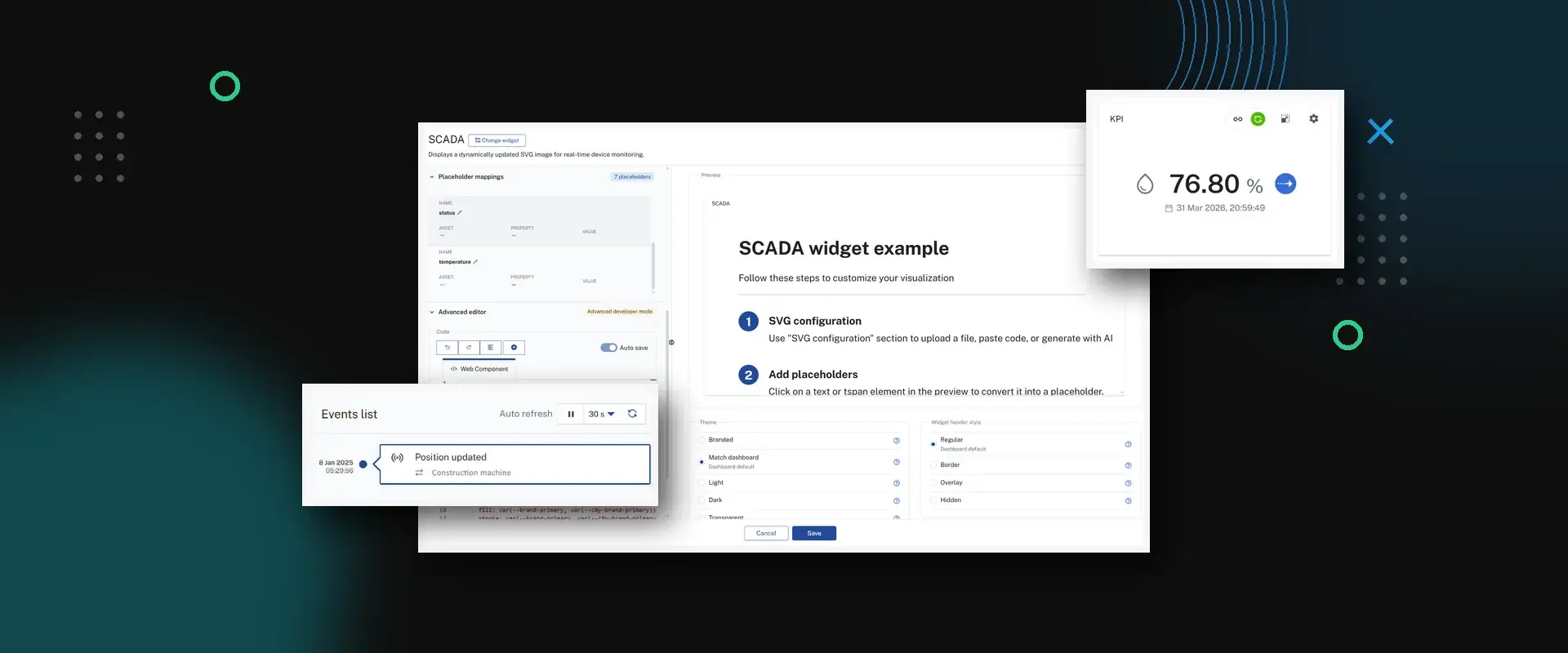
With the MACHINES.CLOUD Update 11.26 (Version 1024.22.2), Cockpit, Device Management, and Administration gain a range of new features. Dashboards can now be shared across applications, the Event View has been redesigned, and the SCADA widget creates plant visualizations with AI support upon request. In addition, a modernized technical foundation noticeably improves usability and loading times across all applications.
Update Overview
For all applications
Cockpit and Device Management
Check it out now: The new applications are already available as a preview on every OEM tenant. If a dashboard is missing there, we’ll set up the preview key retroactively upon request at ticket@moderndrive.de.
For all applications
These improvements affect all applications in the MACHINES.CLOUD .
Update to Angular 21
MACHINES.CLOUD 's web applications have been updated to Angular 21 and are now technically up to date. Optimizations in the framework ensure faster loading and rendering processes and smoother interactions. The modernized architecture also lays the foundation for future features.
Copy & Paste in the Asset Search
Search terms can be copied and pasted across all applications in the asset search. This makes it much easier to search for longer device or asset names, which previously had to be typed in manually.
Cockpit and Device Management
Six new features for your daily work with dashboards, events, and widgets.
Dashboard Manager
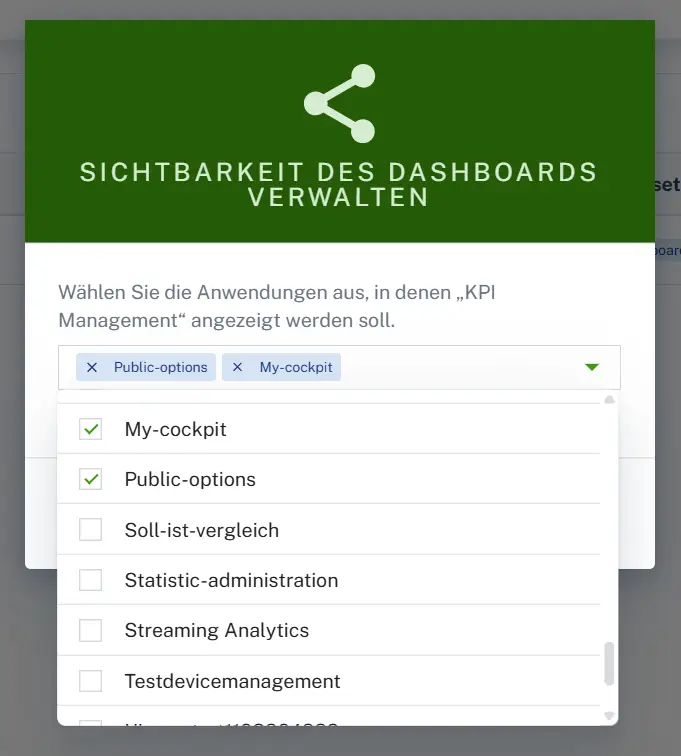
Type dashboards can now be shared across applications. Using the new "Data sharing" option, you can integrate dashboards from other applications instead of creating and maintaining them individually for each application.
Here's how:
- Open an application, such as Cockpit or Device Management.
- In the Navigator, go to Configuration → Dashboard Manager.
- In the dashboard's three-dot menu, select " Manage visibility."
- Enable the desired applications.
KPI Widget with History Mode
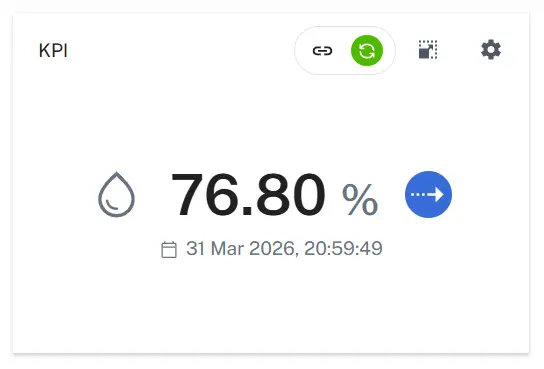
The KPI widget no longer displays metrics as mere snapshots. It now adopts the cockpit's global time context and, in the new History Mode, calculates metrics based on historical data.
- Compare daily, weekly, or monthly values directly
- Update interval can be set freely
- Consistent values across multiple KPI widgets
New Event View and Redesigned Event Widget
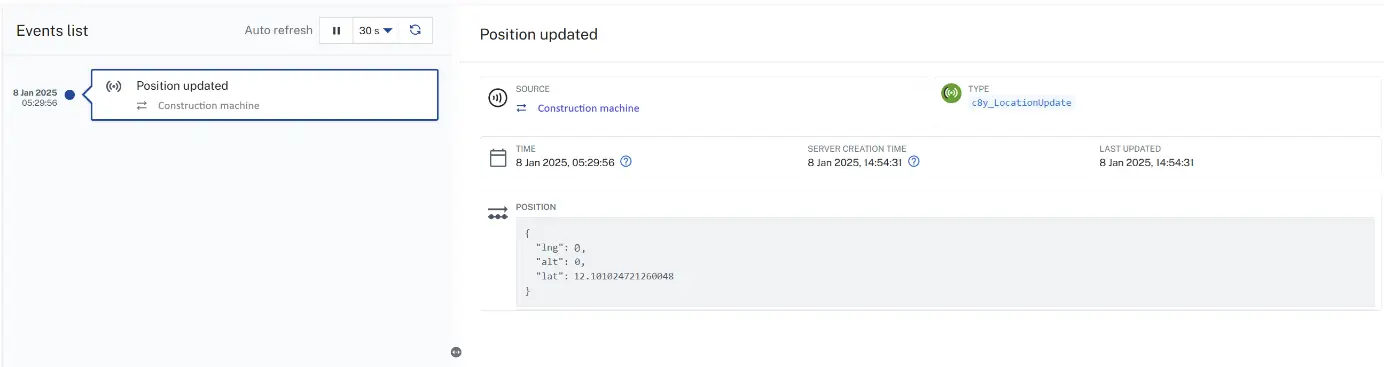
Event management in the Cockpit has been comprehensively modernized. Events are displayed more clearly, and device-specific events can be accessed more quickly. From a technical standpoint, the event widget has been migrated from AngularJS to Angular, making it ready for future enhancements.
- Your own Events page in the Cockpit
- Events Tab Also Available for Device Groups
- Automatic updates without reloading
- Events from subordinate devices can be displayed
- Image previews for attached images
- Direct links for sharing individual events
SCADA Widget V2: AI-Powered Plant Visualization
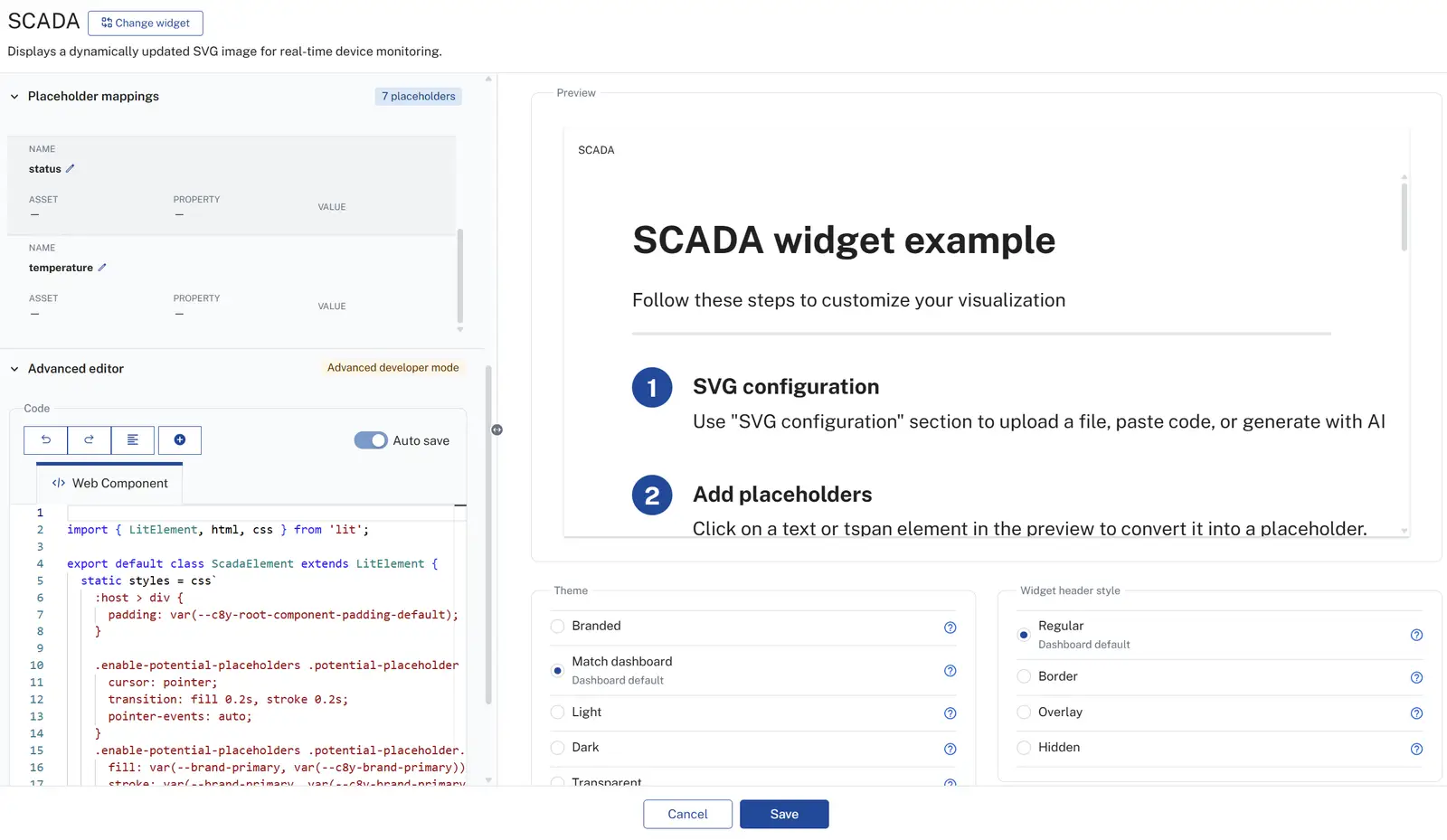
The SCADA widget has been completely redesigned. It now makes it much easier to create, configure, and display custom plant visualizations. If desired, an AI analyzes a device’s properties, measured values, alarms, and events and suggests a suitable SVG visualization based on that analysis.
- AI-Powered SVG Creation
- Convert text elements into placeholders for device data with a single click
- built-in editor with Lit syntax
- Size and orientation can be adjusted as desired
- Live data displayed directly in the graph
Asset Table V2
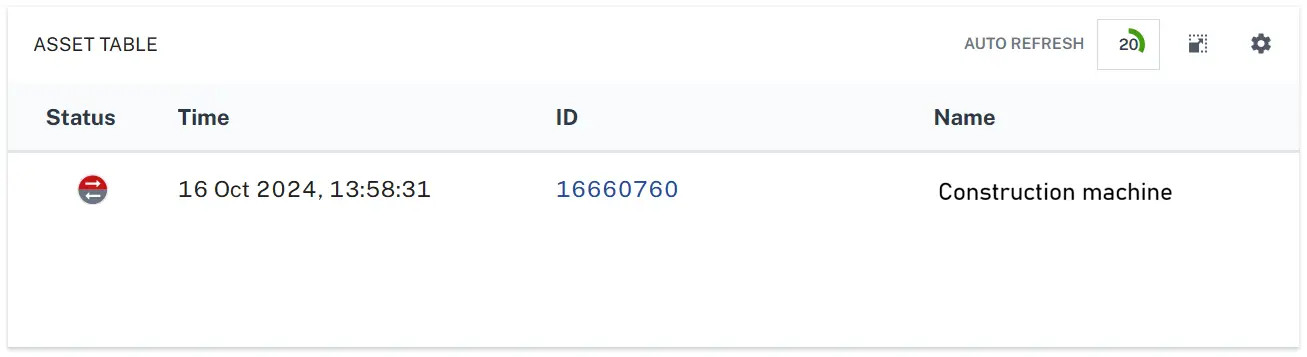
The Asset Table V2 widget is now based on the latest Angular framework instead of AngularJS. Changes to table content are processed more efficiently, resulting in a smoother user experience—especially with extensive tables and large device hierarchies.
Custom Icons
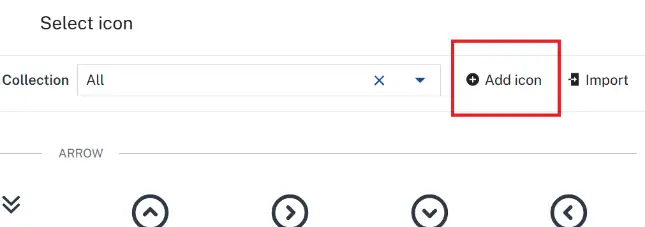
In addition to the standard icons, you can now add your own icons—for example, ones that match your corporate design or are tailored to specific device types. To do this, click "Add icon " in the icon selection in the upper-right corner and upload your own SVG icon.
Administration
Three improvements for user management, branding, and microservices.
User Search by Part Name
The user search now also finds partial usernames. For example, to find the user “techniker_produktionslinie_01,” simply entering “produktionslinie” is enough. This makes it much faster to find the user you’re looking for, especially when there are many accounts.
Conflict-Free Microservice Upload
When uploading a microservice, the platform now detects conflicts with existing tenant options. If an option category already exists, administrators receive a notification. After confirmation and re-upload, it is automatically replaced, eliminating the need for manual deletion.
Set the width of the navigator in the center
The width of the navigator (side menu) can now be set centrally in the branding configuration and applies uniformly to all applications. To do this, set the following attribute in the Branding module under " Advanced branding settings ":
{
  "brandingCssVars": {
    "c8y-navigator-panel-width": "300px"
  }
}
In one of the upcoming updates, every user will also be able to adjust the width themselves using drag-and-drop.
Questions about the update?
If you encounter any issues during the transition or if a dashboard is missing from the preview, please email ticket@moderndrive.de. Include your tenant's domain name in the subject line and briefly describe the issue. We'll address it as soon as possible.


